Home / How our register works
The registerMilman Compliance Register
We built our own register for this work. Every item we inspect gets a plaque and a live record your team can see.
- A numbered aluminium tag on every item, with each inspection date stamped on it
- Scan the tag to see its status, last inspection and next due date
- Full history with photos, as found and as left
- Certificates for every building and every stand, downloadable any time
- Failed items tracked until they are fixed
- A roof plan for each building with every anchor and line pinned
- A due list showing what is overdue or due in the next 30 and 60 days, across every building
- Logins for supervisors, HSE, managers and auditors
- Anyone on site can scan a plaque to view the record and report damage
- Built to work on site with no signal, syncing when you are back in range
- Your existing records loaded in when you switch to us
MAC-0002141 fail
Roof anchor RA-04
Level 3 roof, north side · single fixing · installed 2019
| Date | Check | Result |
|---|---|---|
| Oct 2026 | Visual + pull test 7.5 kN | Fail |
| Oct 2026 | Red-tagged, site contact told | Open |
| Oct 2025 | Visual + pull test | Pass |
Example record. Illustrative data only.
Real screens
What it looks like on a live site


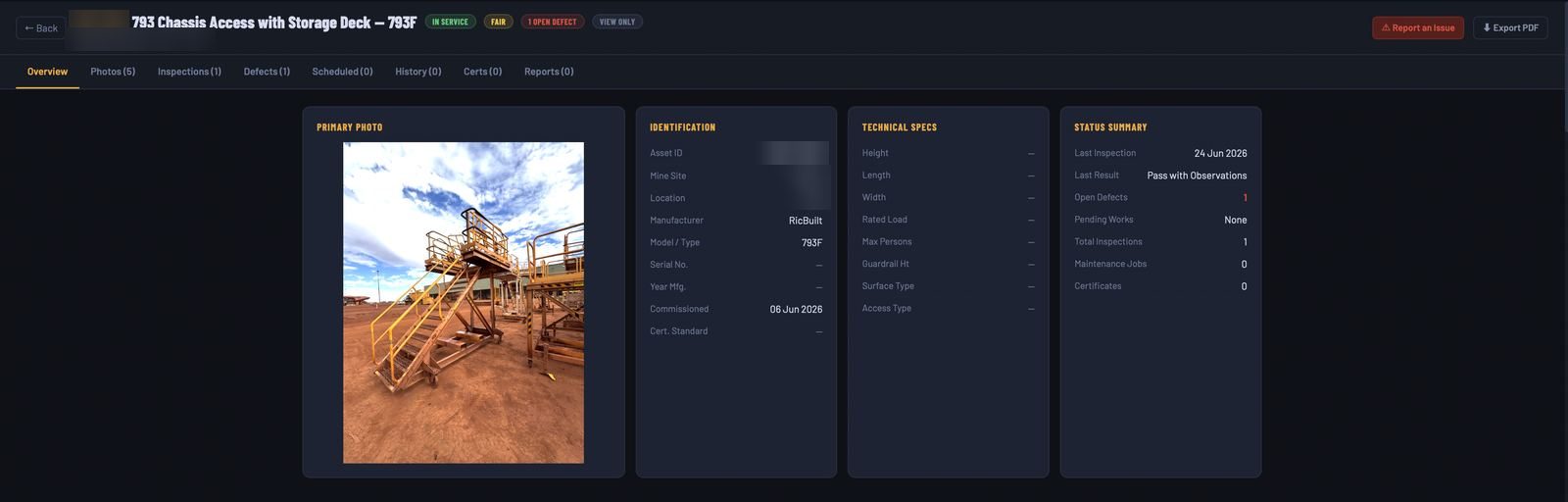

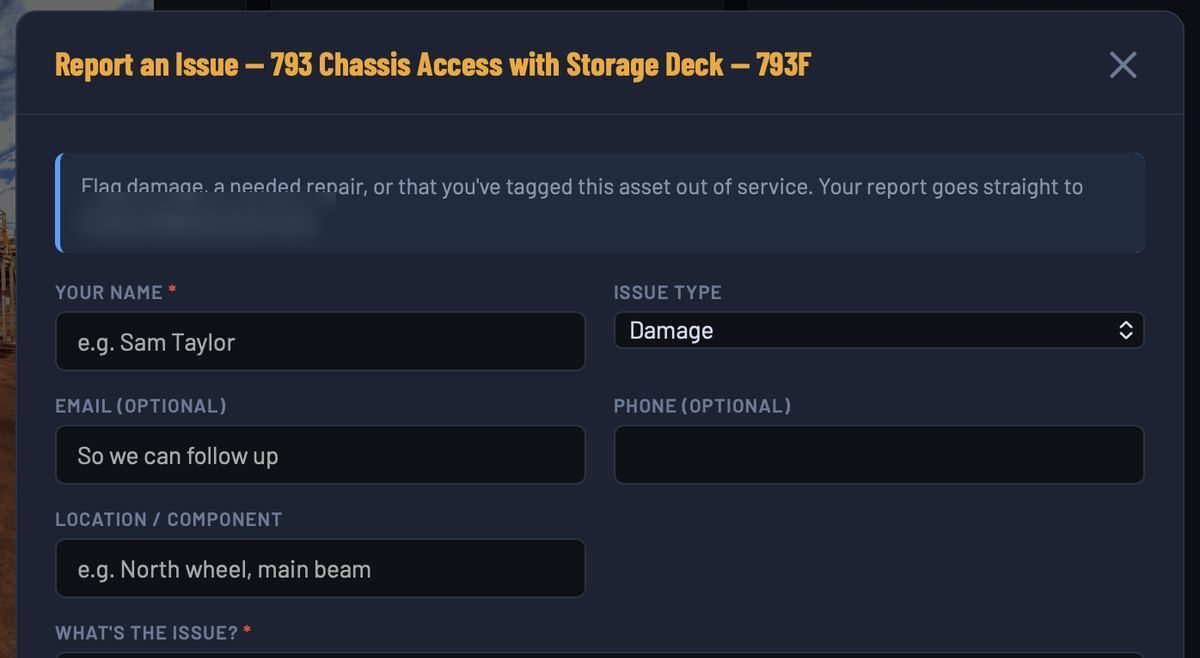
Screens from the register running on a WA mine site. Client names, sites, people and asset numbers are blurred.
Walkthrough
See the whole system in a few minutes
Video walkthrough coming soon
Jake takes you through the register end to end: scanning a plaque, an inspection, a failed item, the repair, the certificate and the reminder.
The tag
What is on every tag
- QR code. Opens the item’s live record: status, history, defects and photos.
- Asset / ID number. Printed on, never reused, and the same number in the register.
- Site asset number. Your own number, stamped on if you use one.
- Q1 to Q4 rows. Each inspection date is stamped in the next colour, so anyone can read when it was last checked, even with no phone.
- A new tag each year. When the four rows are full we fit a fresh tag and move the record across. Scanning the old number still finds it.

Client login
Clients log in at register.milmanaccesscompliance.com with the email we invite. We email you a sign-in link, so there is no new password to manage.
See it on your own building
Every job, even a one-off, goes on the register with a login for you.